Tools I use for Agentic Coding
It is fascinating to be a software engineer in 2026. The world is changing too quickly and we have more tools than ever to do our jobs. The rise of AI agents such as claude Code, Codex, Opencode, Droid, Copilot, DevinCLI and orchestrators like Cmux, Conductor, etc. has effectively created a huge buffet of options to try and get the feel for. Not to forget the ever growing list of capable models is making us rethink the Software Development Approaches.
I want to talk about the tools that I use as of May 2026. I think using the right tools allows us to be more efficient and they can be quite fun depending upon your taste. I am describing my personal setup that I use to do all of my software development including writing this blog.
Neovim
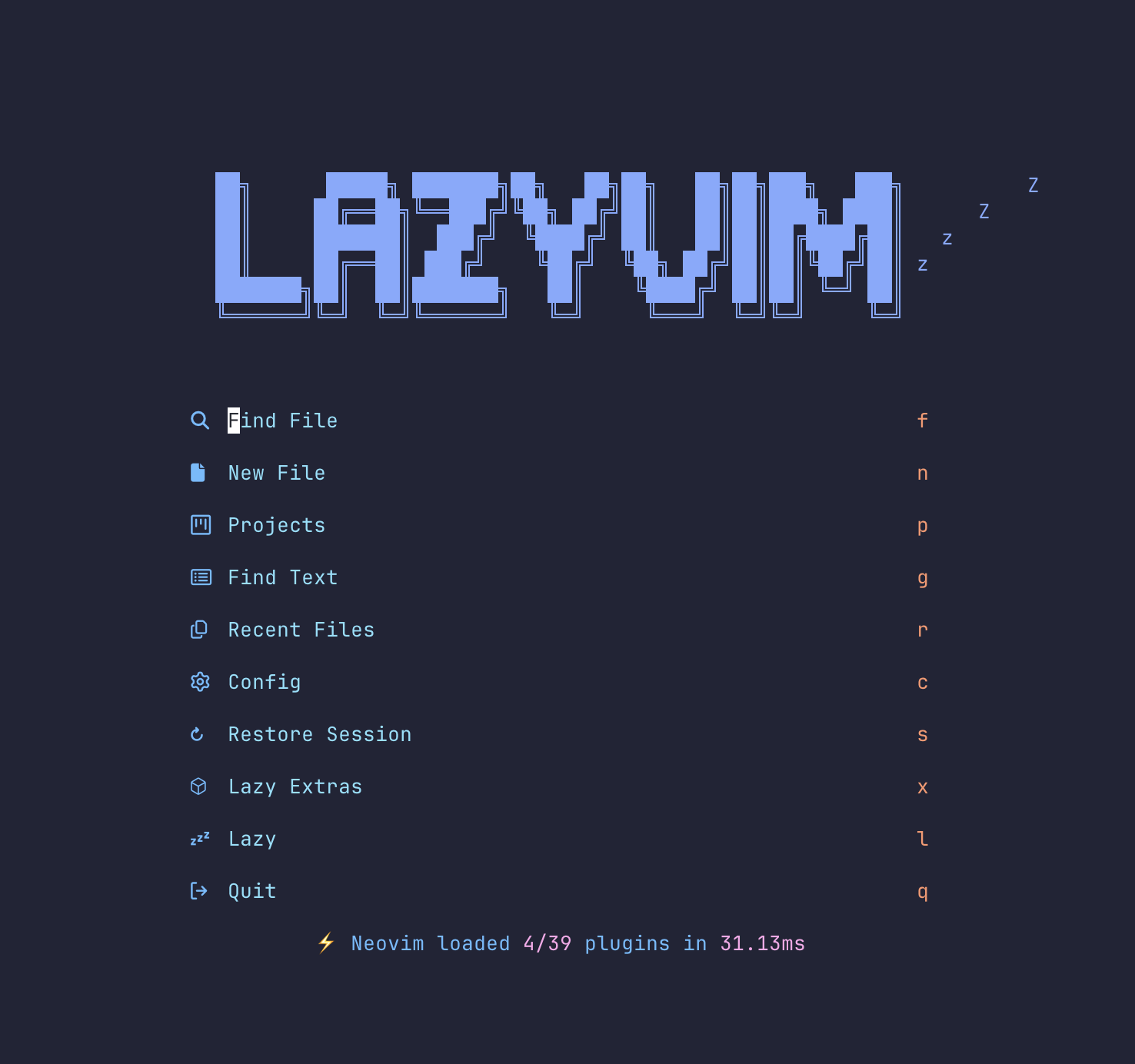 This one is really interesting, I always viewed vim as an editor meant for pros. It just didn’t work for me out of the box and was something meant to be used for quick editing than writing all your code.
As a long time VS Code user I found it hard to use neovim at first primarily because modern software development is not just about being able to edit files with arcane looking keybinding but also about reading lots of code, navigating between files, functions, classes etc.
VS Code just works out of the box and I can be productive without any learning curve. Neovim on the other hand requires a lot of effort. The obvious advantage is that it is much faster and you have a greater degree of control over your editor. You can configure anything and write lua scripts to achieve whatever you want.
In the AI era, being able to customise your own software is a blessing, the LLMs can figure out anything about using neovim and completely remove the pain of configuration. I use the Lazyvim Distribution and use AI heavily to understand the behaviour or to configure it.
The pros of using neovim/lazyvim are:
- A blazing fast IDE that supports all the features out of the box.
- Neovim works right in the terminal where my other favorite AI agents natively live.
- It has excellent plugins including AI native plugins like sidekick.
- Feeling productive and in the zone
- Bragging rights.
The cons were:
- Requires configuration and setup to make it your own. (Well not anymore use AI)
- It has a learning curve to be effective. (Yes, use AI and the excellent book by Dusty Phillips)
Lazygit
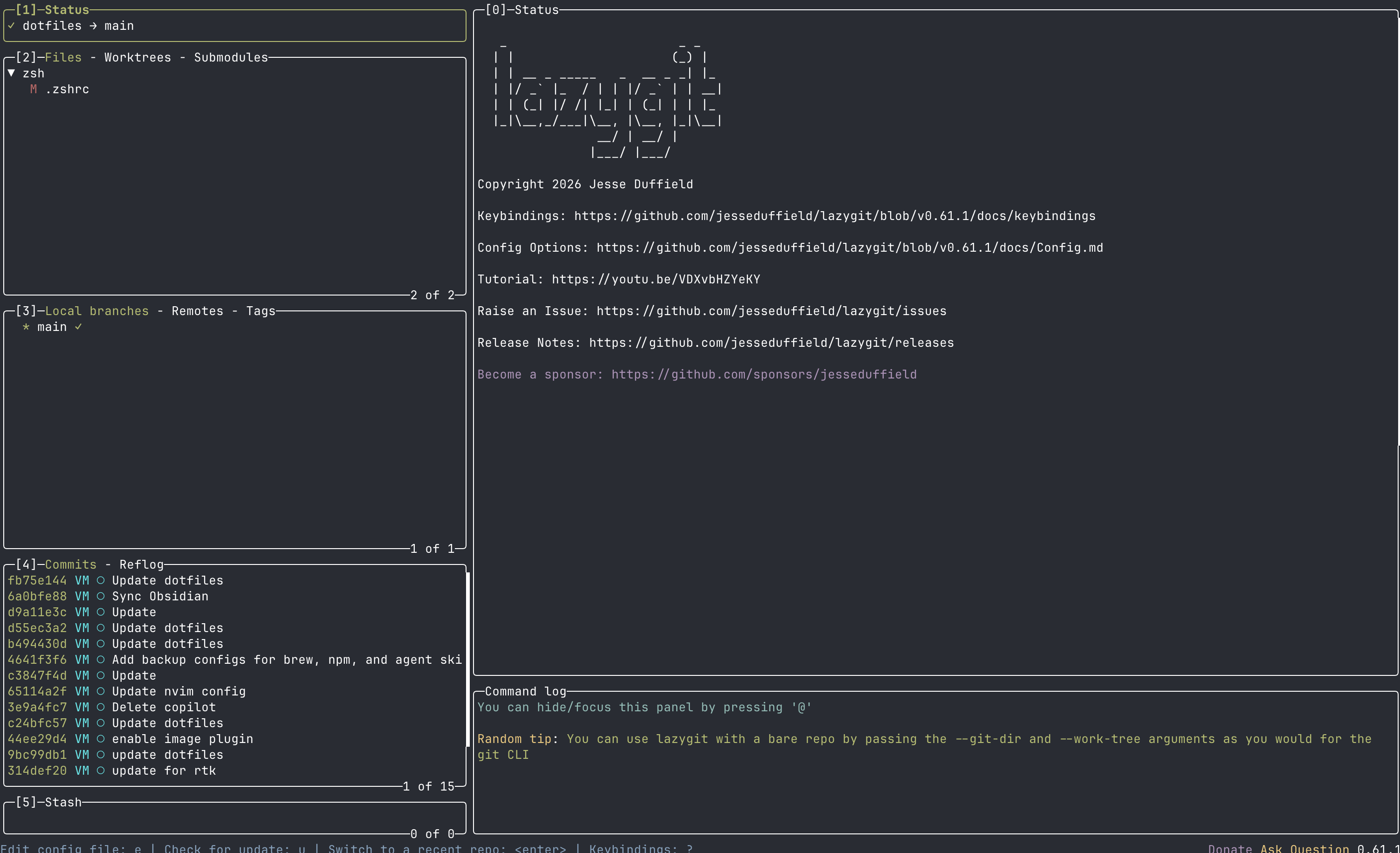 Lazygit is my favorite way to use git. I wasn’t aware of its existence until I stumbled into lazyvim that includes lazygit by default.
Lazygit makes all your git operations a single keystroke away. The UI is so intuitive that you can learn how to use it in less than 10 minutes. It is a great example of how TUIs should be designed.
Tmux
Tmux is a terminal multiplexer. It allows me to split my terminal panes, create and manage terminals windows and connect to both local and remote sessions. Tmux is the perfect tool for the AI era of working across 5-10 tasks and effectively switching between agents and work streams. There are a lot of companies trying to build the same functionality in a similar way. Cmux, Conductor and a lot of other apps offer GUI versions of tmux functionality with notifications from AI agents. However for myself I find tmux sufficient and worth it.
It has a lot of plugins and can be used programmatically.
Pros:
- Allows you to effectively manage multiple terminal windows, panes, sessions.
- Allows you to connect to a remote tmux sessions and run long running commands without getting interrupted.
Cons:
- It requires configuration but LLMs can help.
- The keybindings are clunky but you get used to them.
Handy: Local Voice to Text Engine
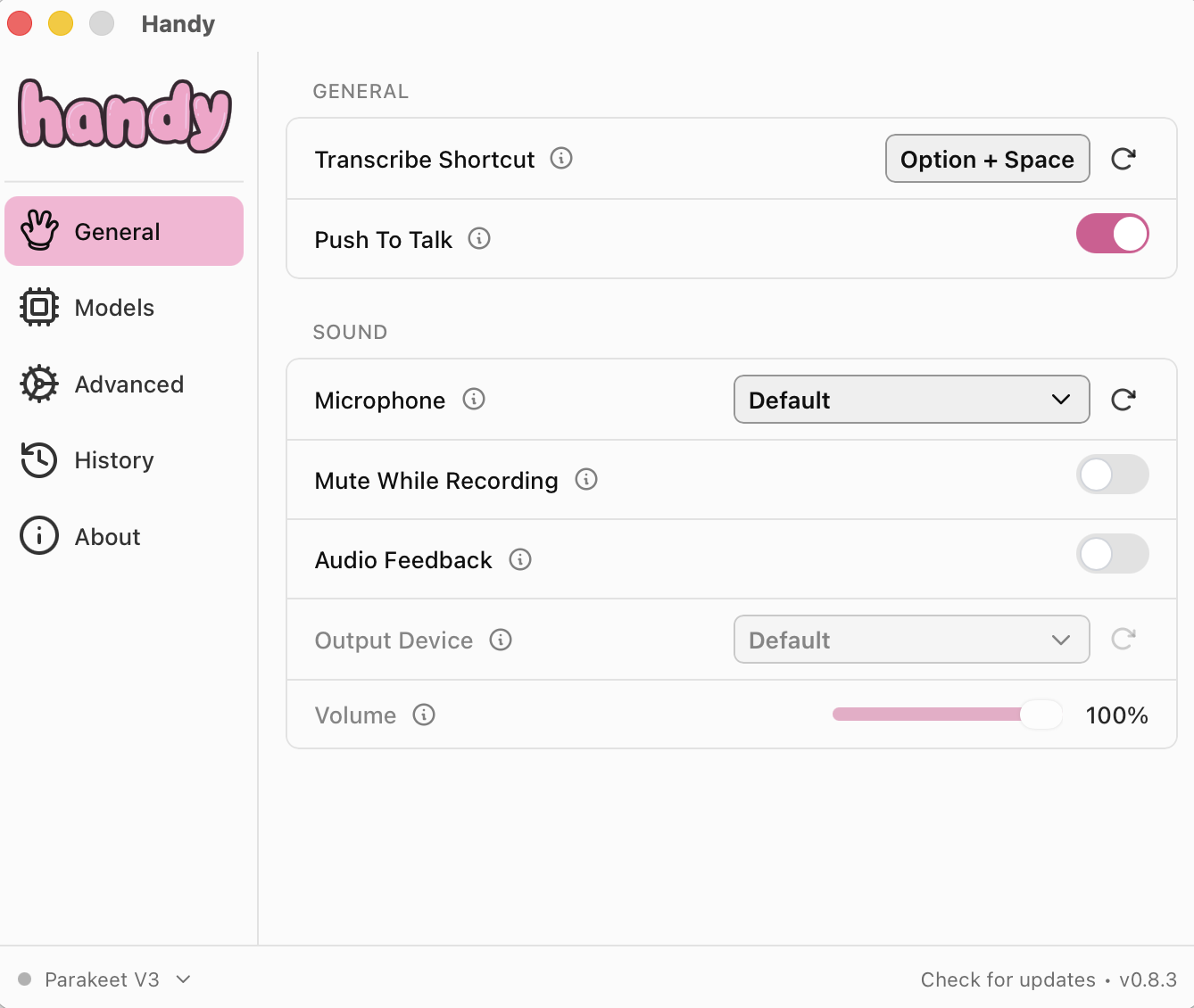 Handy is an open source cross platform desktop app that converts voice to text locally on your laptop. It is the best possible tool for prompting the AI agents and sharing your entire thought process without typing it out. People say that AI agents behave better when given your raw thoughts and not just your polished prompt.
I have found it difficult to use in open-plan offices as it might distract some of my colleagues.
OpenCode
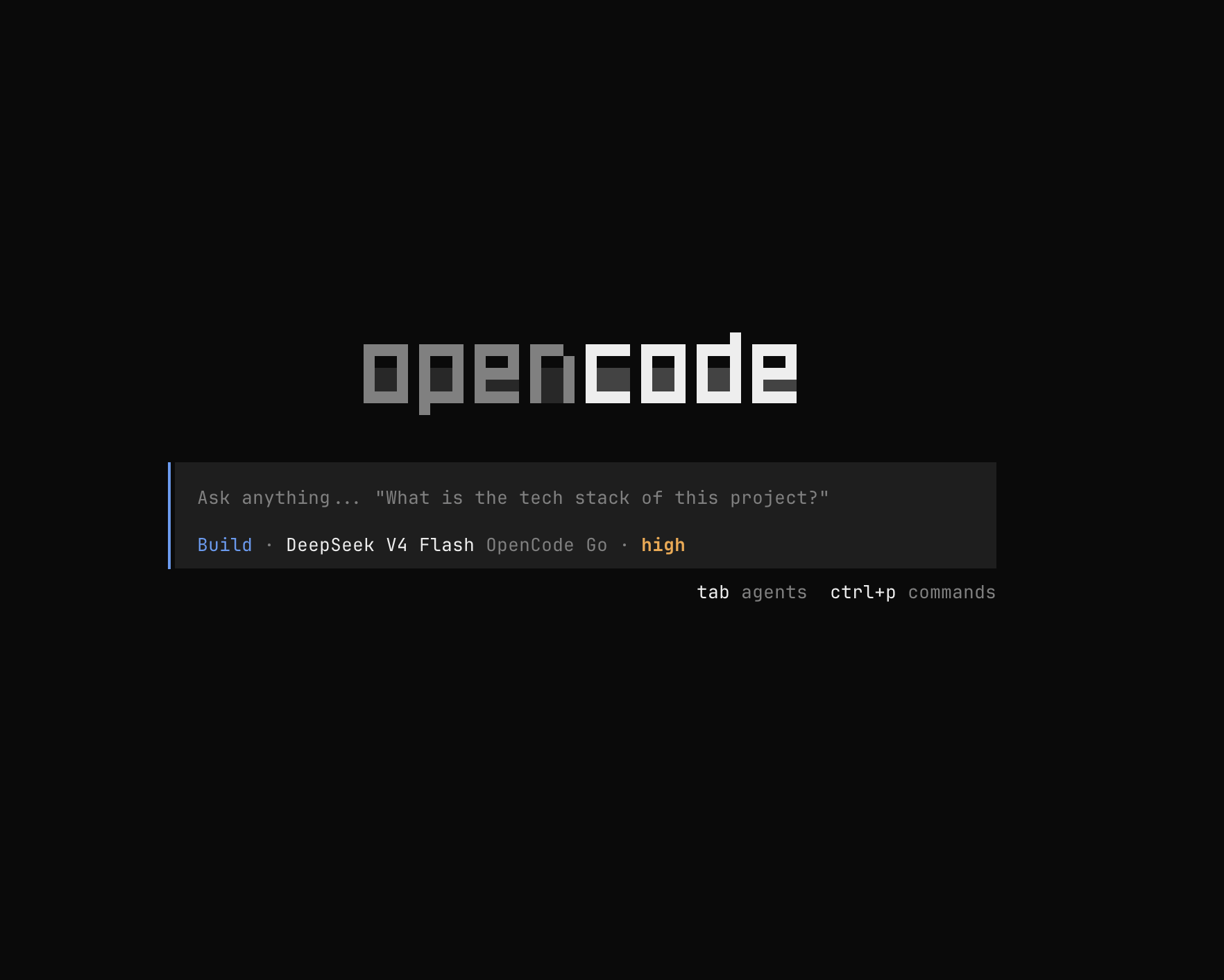 While I use Claude Code at work due to corporate restrictions, for my personal projects I love to use OpenCode, it is an open source harness that supports everything you need out of the box and has excellent session management, sub agents, web search and lots of open models to choose from. I have found that the Kimi, GLM and DeepSeek models are really good for majority of simpler tasks.
I am pleased to have a great open source option to use and the OpenCode team has unique insights about the AI era, very different from the gloomy doomer claims.
While I use Claude Code at work due to corporate restrictions, for my personal projects I love to use OpenCode, it is an open source harness that supports everything you need out of the box and has excellent session management, sub agents, web search and lots of open models to choose from. I have found that the Kimi, GLM and DeepSeek models are really good for majority of simpler tasks.
I am pleased to have a great open source option to use and the OpenCode team has unique insights about the AI era, very different from the gloomy doomer claims.
I still haven’t figured out the best way to use Browser Use and Computer Use but for now I use playwright CLI.
I find that all these TUI tools work in perfect harmony and I enjoy using them.